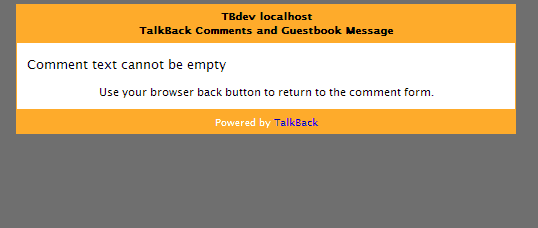
The default error message panel appears on a new page with a gray background. {example}
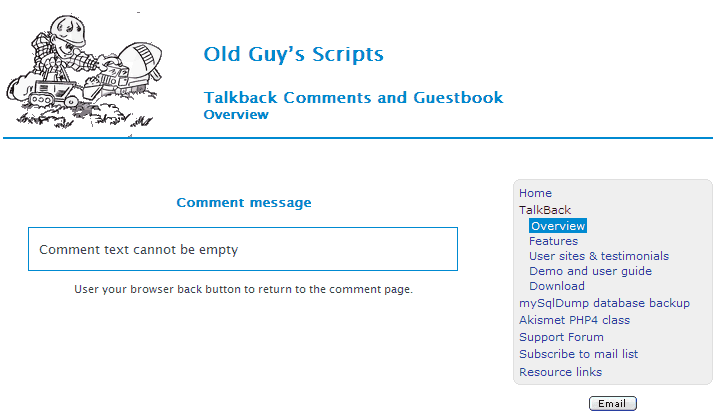
You can change it so that the error message page appears with your site layout. That is what I did on my scripts website. {example}
Create a new template named my-message-panel.php. Insert your page header, sidebar and footer HTML. Then copy the below code into the body section.
<?php
print "
<div id='tb-panel-content'>
   <div id='tb-panel-message'>
      <p>$display_message</p>
      <p>$dberror</p>
      <p>$footnote</p>
   </div>
   <div class='tb-panel-link'>$mc_link</div>
</div>";
exit();
?>
Copy #tb-panel-content, #tb-panel-message and .tb-panel-link from style.css to styleCustom.css and change them to suit your layout.
Finally, change the message panel file name in the admin configuration settings panel.